admin
admin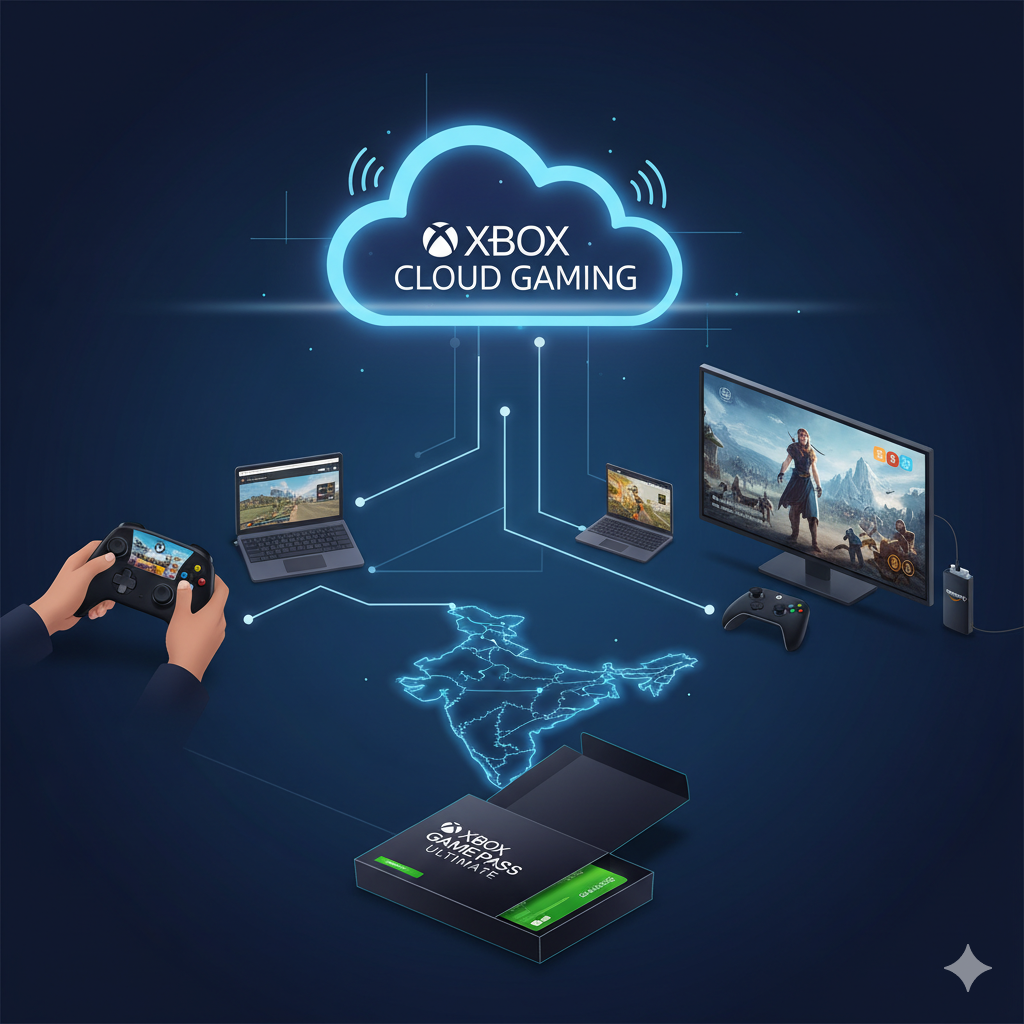
Microsoft has officially launched its Xbox Cloud Gaming service in India, allowing subscribers to stream and play a vast library of games instantly over the internet. This expansion makes India the 29th market to receive the cloud-based gaming offering, promising a smoother and more accessible gameplay experience across a variety of hardware.
Key Requirements to Start Playing
To access the service and begin streaming games, users must meet three fundamental requirements:
- Xbox Game Pass Subscription: Access to the cloud gaming library is bundled with an Xbox Game Pass subscription. Plans start at approximately ₹499 per month.
- Compatible Controller: A Bluetooth-enabled wireless controller is essential for most games. Supported controllers include the Xbox Wireless Controller, Xbox Adaptive Controller, and even PlayStation controllers like the DualSense or DualShock 4. Note that only a few titles support mouse and keyboard input on PC or touch controls on mobile.
- High-Speed Internet: A fast and stable internet connection is necessary to ensure low-latency, high-quality streaming without interruptions.
How to Set Up Xbox Cloud Gaming
The setup process varies slightly depending on your device:
On PC, Mobile, Handhelds, or Tablets (Via Browser)
This method works on almost any device that has a modern web browser installed.
- Use a Supported Browser: Navigate to xbox.com/play using Microsoft Edge, Google Chrome, or Apple Safari.
- Sign In: Log into your active Xbox Game Pass account.
- Connect a Controller: Pair your supported wireless controller via Bluetooth to the device.
- Start Streaming: Select a game from the library and begin playing immediately.
On Smart TVs and Streaming Devices
To access the service directly on your television, you will need a supported streaming device or smart TV model.
- Install the App: Download and launch the dedicated Xbox app on your television or streaming stick.
- Compatible Devices: The service is supported on select models of Samsung Smart TVs, LG Smart TVs, and Amazon Fire TV Sticks or Fire TV Cubes.
Supported Devices and Library
Xbox Cloud Gaming is designed to provide platform flexibility, allowing users to play on:
- PCs
- Mobile Phones
- Tablets
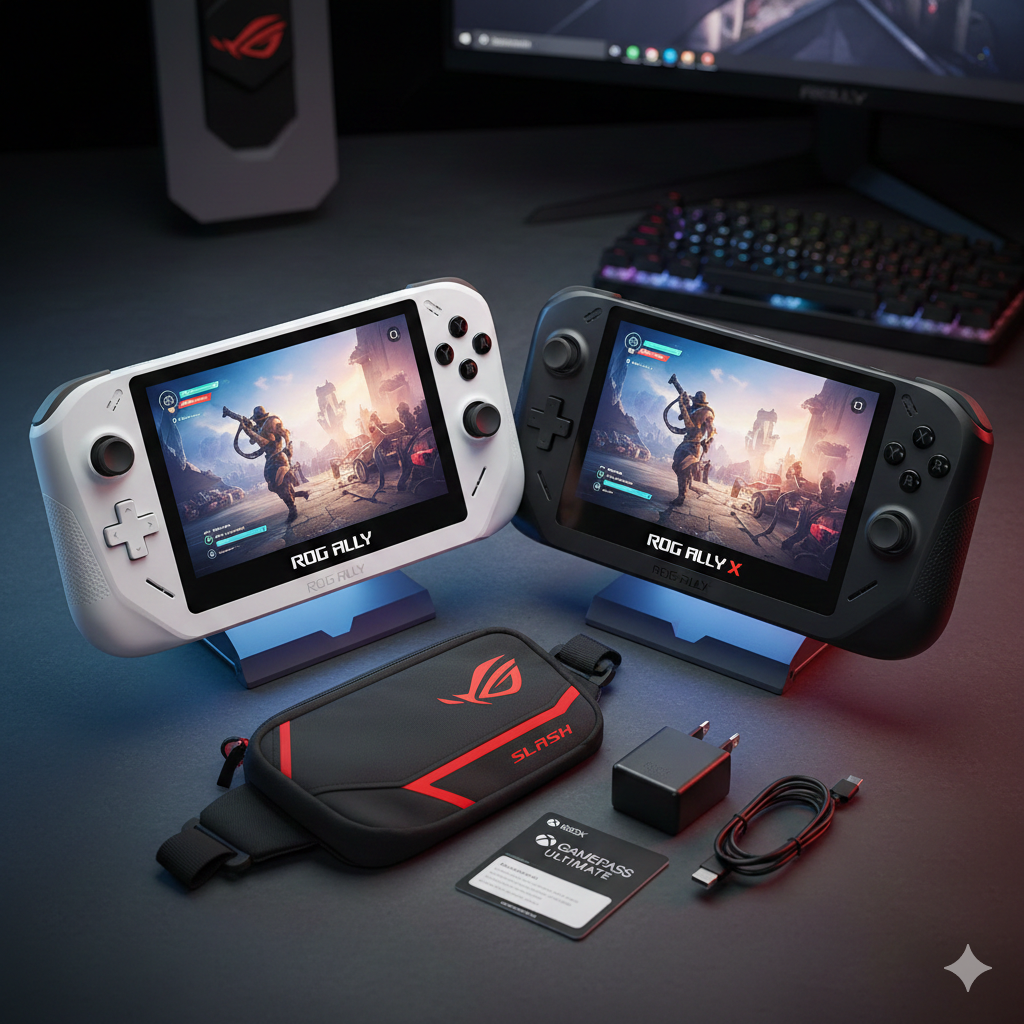
- Handheld Gaming Devices
- Xbox Consoles
- Select Smart TVs and Amazon Fire TV devices.
Subscribers gain access to hundreds of titles streamed directly from the cloud. The available library features a mix of popular and independent games, including titles such as Raji: An Ancient Epic, Detective Dotson, The Palace on the Hill, and major franchises like Call of Duty. Beyond the Game Pass catalog, the service also lets players stream certain games they have already purchased, extending their personal library to supported devices.