admin
admin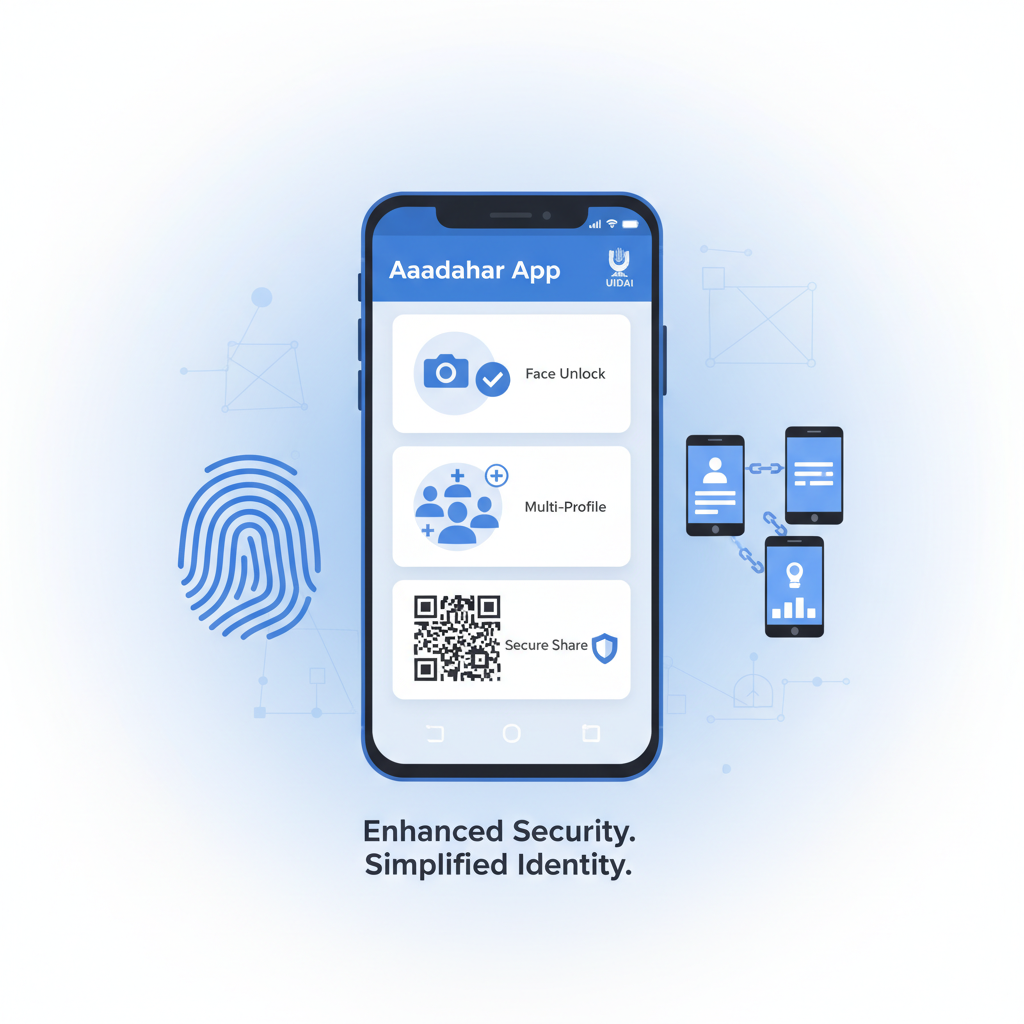
The Unique Identification Authority of India (UIDAI) has rolled out a significantly enhanced version of its mobile application for Aadhaar, available on both Android and iOS platforms. This update transforms the way Indian residents interact with their digital identity, prioritizing convenience and state-of-the-art security features.
Core Features of the New Aadhaar Application
This new mobile solution goes beyond merely storing a digital copy of the ID. It integrates several key capabilities aimed at improving both the user experience and data protection:
- Advanced Authentication: The app introduces Face Authentication and a biometric lock feature. This ensures that only the registered user can access the sensitive identity information stored within the application, providing a strong defense against misuse, especially if the device is lost or stolen.
- Multi-Profile Support: Users can now manage up to five distinct Aadhaar profiles using a single device. A crucial requirement for this function is that all profiles must be linked to the same registered mobile number. This is particularly useful for parents or guardians managing the IDs of family members.
- Secure Sharing Options: The app facilitates the secure exchange of ID details via QR code or verifiable digital credentials. Furthermore, it supports masked sharing, which allows users to present their identity without exposing the full 12-digit Aadhaar number during verification processes.
- Digital Convenience: By allowing users to securely store their ID digitally on their smartphone, the app reduces the dependency on carrying the physical card or photocopies. It also maintains offline functionality for certain features, ensuring access even in areas with limited network connectivity.
Step-by-Step Setup Guide
Getting started with the new digital Aadhaar application is a straightforward process:
- Download: Install the official Aadhaar App from the Google Play Store (for Android) or the Apple App Store (for iOS).
- Registration: Initiate the process using the mobile number linked to your Aadhaar.
- Authentication: Enter the One-Time Password (OTP) received on the linked number, followed by mandatory authentication, such as the new face-scan or biometric verification.
- Add Profile: Once authenticated, your primary Aadhaar profile will be added to the app.
- Adding Family Members: To include additional family profiles (up to five total), ensure their respective Aadhaar numbers are also linked to the same registered mobile number, and then add them within the app interface.
It is vital to confirm that your current mobile number is correctly registered with your Aadhaar before beginning the setup process.
Considerations and Limitations
While this application represents a significant leap in digital identity management, users should be aware of a few reported limitations:
- Digital Divide: The app offers no utility for individuals who do not possess a compatible smartphone or lack digital literacy. The physical card remains relevant.
- Feature Parity: Early reports suggest that certain functions available in the older mAadhaar app—such as ordering a PVC card, downloading a PDF version of the e-Aadhaar, or generating a Virtual ID—may not yet be fully integrated into this new application.
- Connectivity and Access: Areas experiencing poor or non-existent cellular connectivity may still face challenges when using features that require online access.
- Single Mobile Link: The restriction that all multiple managed profiles must share the same registered mobile number may be inconvenient for households where family members use different primary phone numbers.